
ABSTRACT
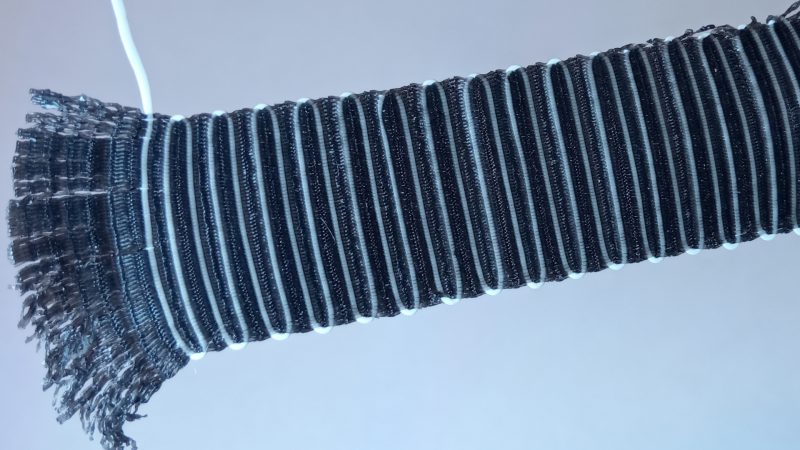
QSkin (QuasiSkin), at its core, introduces an additional dimension to the well-known “Fuzzy Skin” feature available in most slicers. “Fuzzy Skin” changes the look and feel of printed walls, but comes at the cost of increased print time, material consumption, and machine noise. Its key advantage, however, is that it can achieve these effects without requiring any CAD software.
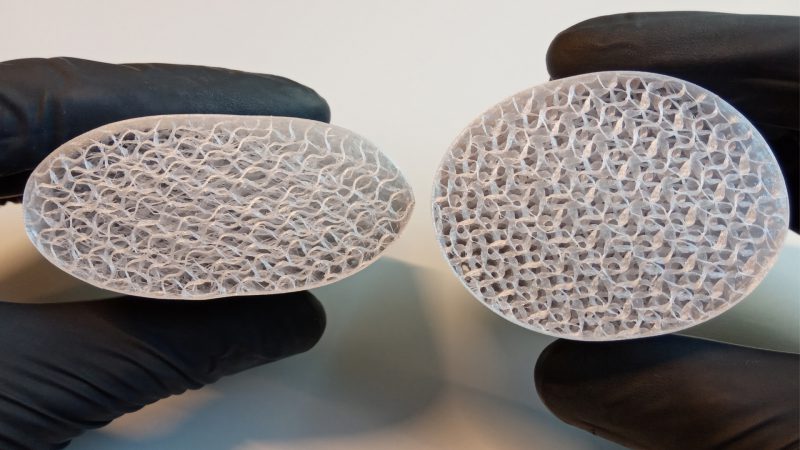
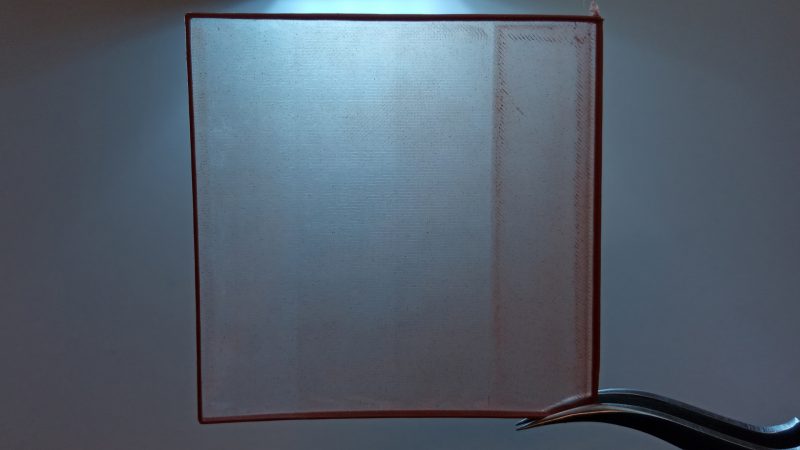
QSkin adds another dimension by allowing the height of the effect to be adjusted. This can significantly reduce print time while giving the end user numerous possibilities for customizing the final appearance of both external and internal walls. The resulting appearance is influenced by a combination of parameters, including layer height, perimeter speed, extrusion multiplier, print direction and nozzle temperature. By adjusting these parameters, users can achieve a wide range of surface textures and visual effects without modifying the underlying CAD model.


INTRODUCTION
A 3D-printed object can often be identified by the layer lines visible on its surfaces, as well as by the seam line—the location where each layer begins and ends. As FDM technology has matured, a variety of techniques have been developed to hide or reduce these characteristic imperfections. Examples include “Fuzzy Skin” and “Scarf Seam,” both of which are available in modern slicers. In addition to slicer-based techniques, post-processing methods such as acetone smoothing can be used with suitable materials. Alternatively, users can modify the CAD model itself to introduce textures, patterns, or other surface finishes intended to reduce or conceal visual imperfections inherent to FDM printing.
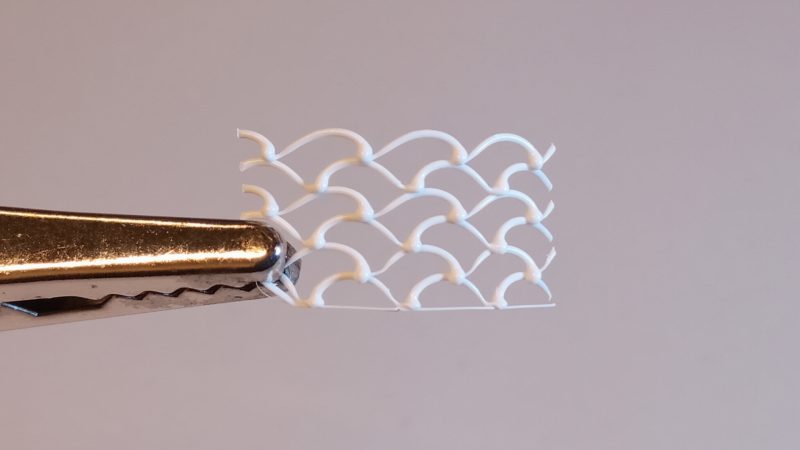
QSkin aims to provide an alternative approach for achieving a much wider range of surface customization without relying on CAD software or necessarily increasing overall print time. Its underlying principle is based on the observation that extruded filament can naturally develop different textures depending on the amount of material deposited, the extrusion speed, and the height at which it is deposited. For this effect to occur, rather than being fully pressed against the previously deposited layer, the filament is deposited at a height that allows it to partially free-fall and deform, resulting in irregular geometries along the perimeter. In its simplest form, the technique can be described as controlled overextrusion of the perimeters.
QSkin can be applied not only to external perimeters but also to internal perimeters and, potentially, to infill structures. One of the key parameters influencing the resulting texture is layer height, which is typically constrained by the physical diameter of the nozzle. For example, when using a standard 0.4 mm nozzle, the slicer can be configured to behave as though a larger nozzle were being used, without physically replacing it. This allows the layer height to be increased while compensating through adjustments to the extrusion multiplier and print speed. By reducing the degree to which each layer is compressed against the previous one, the extruded filament is given greater freedom to deform during deposition. As a result, the final geometry is not determined solely by the CAD model but instead emerges from the interaction between parameters mentioned earlier. By controlling these parameters, QSkin can generate a broad range of textures and surface appearances directly during the printing process.
Creative Commons
Attribution-NonCommercial-NoDerivatives 4.0 International